1.Why should I attend VMware VCP-DCV 2024 certification
training in Bangalore?
Attending VMware VCP-DCV 2024 certification training in
Bangalore will enhance your skills in virtualization and data center management.
This certification is crucial for IT professionals looking to advance in
virtualization technologies, improve their system management capabilities, and
increase their marketability in the IT industry.
2.Where can I get VMware VCP-DCV 2024 certification training
in Bangalore?
You can enroll for VMware VCP-DCV 2024 certification
training at Emigo Networks in Bangalore. Emigo Networks offers expert-led
courses with a focus on VMware’s latest technologies and hands-on labs to
provide practical experience.
3.Where can I get VMware VCP-DCV 2024 certification training
with practical labs in Bangalore?
Emigo Networks in Bangalore provides VMware VCP-DCV 2024
certification training that includes practical labs and real-world exercises.
This hands-on approach ensures you gain the practical
experience needed to manage and optimize virtualized data centers effectively.
4.What are the prerequisites for VMware VCP-DCV 2024
certification training?
To enroll in VMware VCP-DCV 2024 certification training, you
should have a basic understanding of VMware vSphere and experience with networking
and storage concepts. Completing the VMware vSphere: Install, Configure, Manage
course is recommended.
5.Which institute is best for VMware VCP-DCV 2024
certification training in India?
Emigo Networks is highly regarded for VMware VCP-DCV 2024
certification training in India. Their comprehensive training program covers
all aspects of the certification, providing in-depth knowledge and practical
skills.
6.Can I access VMware VCP-DCV 2024 certification training
online in Bangalore?
Yes, Emigo Networks offers online VMware VCP-DCV 2024
certification training in Bangalore. This option includes live virtual classes
and access to digital resources, allowing you to learn from anywhere with
flexibility.
7.Can I choose my class timings for VMware VCP-DCV 2024
certification training?
Emigo Networks offers flexible scheduling for VMware VCP-DCV
2024 certification training, so you can select class timings that best fit your
personal and professional schedule.
8.Will I have access to live projects during the VMware
VCP-DCV 2024 course?
While the VMware VCP-DCV 2024 course at Emigo Networks
focuses on hands-on labs and simulations, it does not typically include live projects.
The practical labs are designed to provide real-world experience relevant to
the certification.
9.Will I have access to a lab for hands-on practice?
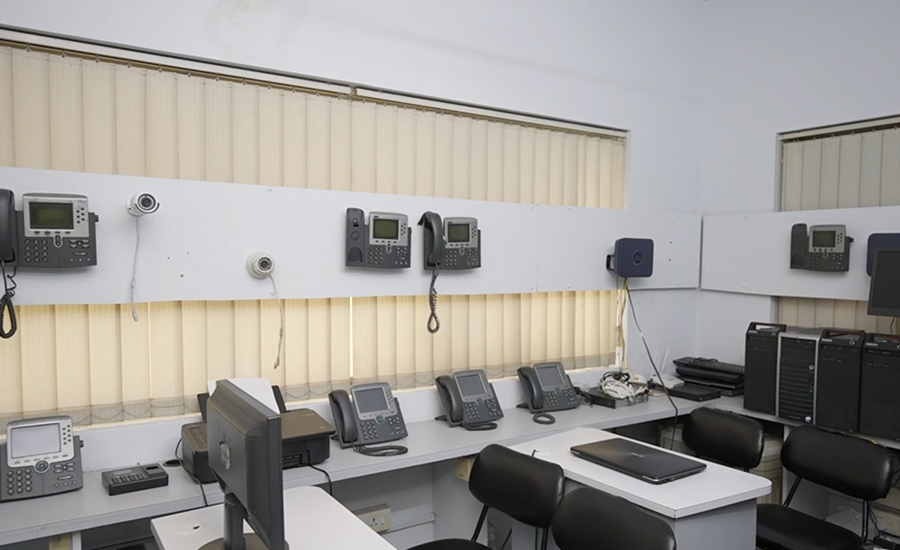
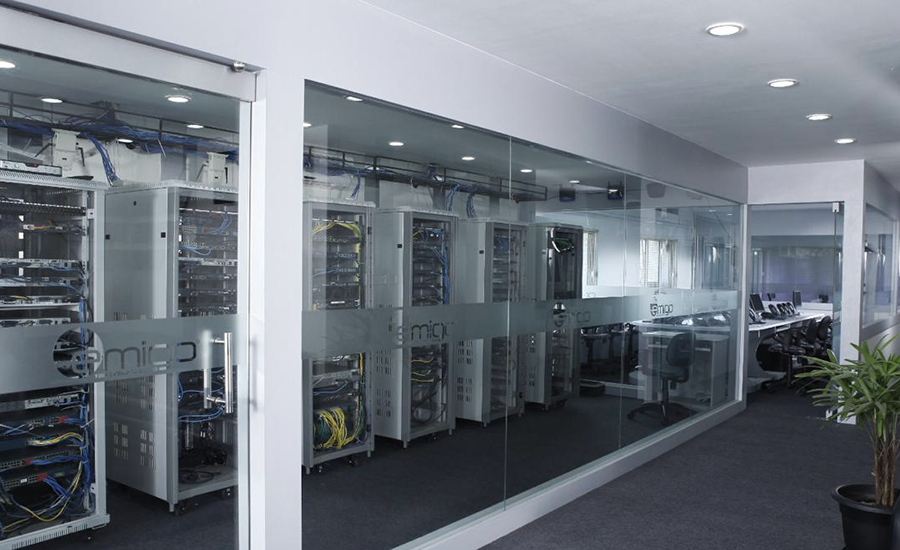
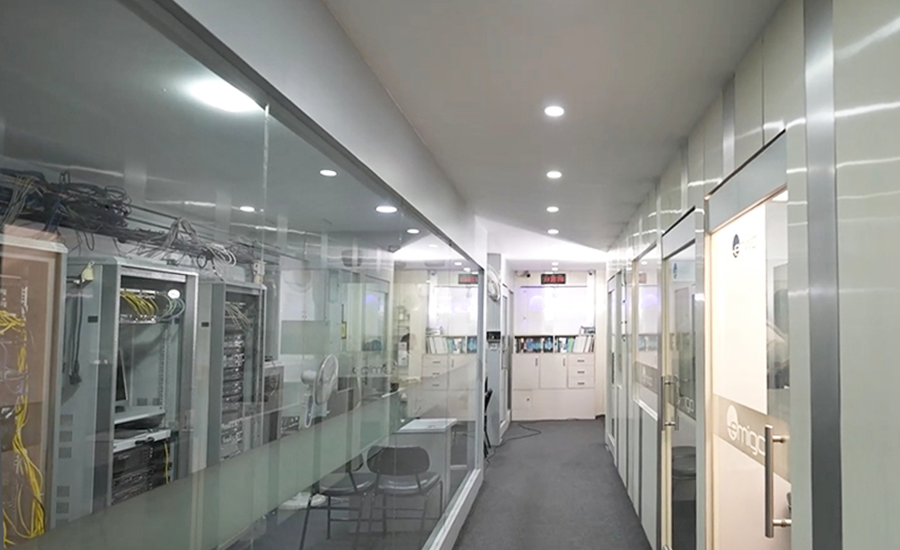
Yes, Emigo Networks provides access to a dedicated lab
environment where you can practice and apply your VMware skills during the VCP-DCV
2024 certification training.
10.Is the VMware VCP-DCV 2024 certification course available
both online and offline?
Emigo Networks offers both online and offline formats for
the VMware VCP-DCV 2024 certification course, accommodating different learning
preferences and needs.
11.What are the fees for the VMware VCP-DCV 2024
certification course at Emigo Networks in Bangalore?
For detailed information on the fees for the VMware VCP-DCV
2024 certification course at Emigo Networks, please contact them directly as
the fees may vary based on the course package and any current promotions.
12.How long is the VMware VCP-DCV 2024 certification course?
The VMware VCP-DCV 2024 certification course at Emigo
Networks typically lasts between 40 to 60 hours, depending on the depth of material
covered and the pace of learning.
13.Can I obtain certification after completing the VMware
VCP-DCV 2024 course?
Yes, after completing the course at Emigo Networks, you will
be well-prepared to take the VMware VCP-DCV 2024 exam and earn the certification,
which will advance your career in virtualization and data center management.
14.Does Emigo Networks provide placement assistance after
the course?
Emigo Networks focuses on delivering quality training. For
information on placement assistance or career support, it is recommended to contact
Emigo Networks directly for specific details.
15.What are the benefits of obtaining VMware VCP-DCV 2024
certification?
VMware VCP-DCV 2024 certification validates your expertise
in managing and optimizing virtualized data centers. It can enhance your job
prospects, lead to career advancement, and qualify you for roles such as VMware
Administrator, Systems Engineer, and Data Center Manager.
16.What is the exam format for VMware VCP-DCV 2024
certification?
The VMware VCP-DCV 2024 certification exam consists of
multiple-choice questions and performance-based scenarios. The exam tests your
knowledge and practical skills in managing VMware environments and is typically
timed for 130 minutes.
17.How often does VMware VCP-DCV 2024 certification need to
be renewed?
VMware VCP-DCV 2024 certification is valid for two years. To
maintain your certification, you need to complete continuing education requirements
or recertify by passing a current exam.
18.Are there any discounts or special offers available for
the VMware VCP-DCV 2024 course?
For information on discounts or special offers for the
VMware VCP-DCV 2024 certification course at Emigo Networks in Bangalore, please
reach out to them directly.
19.What is the format of the training material provided in
the course?
Emigo Networks provides a mix of online resources,
interactive lectures, and hands-on lab exercises as part of the VMware VCP-DCV 2024
certification training to ensure a well-rounded learning experience.
20.Are there any opportunities for networking with other
professionals during the course?
Yes, the VMware VCP-DCV 2024 certification training at Emigo
Networks offers opportunities to network with other IT professionals through
interactive sessions and group activities.
21.What additional support is available during the VMware
VCP-DCV 2024 course?
Emigo Networks provides comprehensive support including
access to experienced instructors for questions, additional learning materials,
and exam preparation guidance to help you succeed in the certification process.
22.What career paths can I explore with VMware VCP-DCV 2024
certification?
With VMware VCP-DCV 2024 certification, you can pursue
career paths such as VMware Administrator, Virtualization Engineer, Data Center
Manager, and Systems Engineer.
23.What other VMware certifications can I pursue after
VMware VCP-DCV 2024?
After achieving VMware VCP-DCV 2024, you can consider
advanced certifications such as VMware VCAP-DCV or VMware VCDX for deeper
specialization in data center and virtualization technologies.
24.Can I pursue multiple VMware certifications
simultaneously?
Yes, you can pursue multiple VMware certifications at the
same time. However, it is recommended to focus on one certification at a time to
ensure a thorough understanding and effective preparation for each exam.